
Wallpapers
Choose the process that owns each output's wallpaper or idle screen.
SYSC v0.1.3 pins: sysc-shell v0.2.0, sysc-walls v1.1.1, sysc-terminal v0.2.0 and gSlapper v1.5.1. The source record links each reviewed commit.
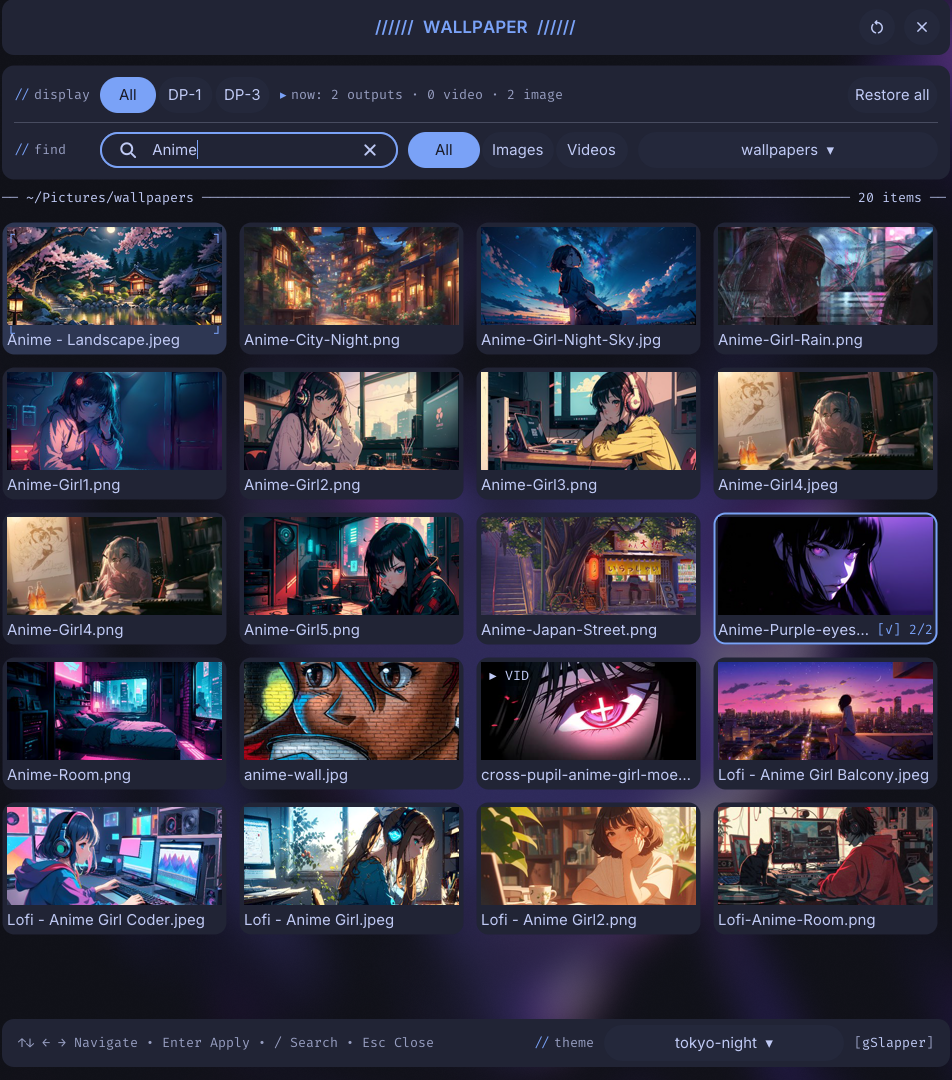
Use one wallpaper owner per output. sysc-shell can manage static image backends, gSlapper video and image playback, or sysc-terminal effects. sysc-walls owns the idle screensaver, not the desktop background.
Choose a backend
Static image
The shell can set an image with awww or swaybg. Choose the backend in the shell's Wallpaper settings. The shell owns the process and its Wayland surface.
gSlapper wallpaper
The shell can launch gSlapper for each output and manage its control socket. For a manual run, first list connector names:
gslapper --help-outputA manual video or image command starts a wallpaper process:
gslapper -o "loop fill" OUTPUT /path/to/video.mp4
gslapper -o fill OUTPUT /path/to/image.jpg
Replace OUTPUT with a connector from the output list. Do not run a manual process on an output that sysc-shell already manages. See gSlapper for playback limits.
Live terminal effects
sysc-terminal draws sysc-Go effects on Niri's background layer. It runs one process per output and uses a separate IPC socket for each. SYSC v0.1.3 installs the sysc-terminal v0.2.0 executable with no user unit; the shell manages its processes. Install it separately only for a manual shell setup. See the sysc-terminal guide for its exact source install and discovery check.
Idle screensaver
sysc-walls watches idle activity and launches screensaver animations in Kitty terminals. The shell configures it from Screensaver settings, while the sysc-walls user service owns the daemon. Check the unit with:
systemctl --user --no-pager status sysc-walls.service
journalctl --user -u sysc-walls.service -b --no-pager
Do not configure sysc-walls as a wallpaper backend. It starts after the idle timeout and stops when activity resumes.
Blank output
- Run the backend's read-only output listing command.
- Check that the selected output name matches the compositor's connector.
- Check the owning process or user unit and read its journal.
- Confirm that no second wallpaper process targets the same output.
- Check the Niri session environment before changing service startup.
Current shell source manages wallpaper child processes. The exact capabilities in SYSC v0.1.3 follow its pinned sysc-shell and sysc-walls releases; the source record lists both.