
Plugins
Find the plugin catalog and propose official inclusion through sysc-plugins.
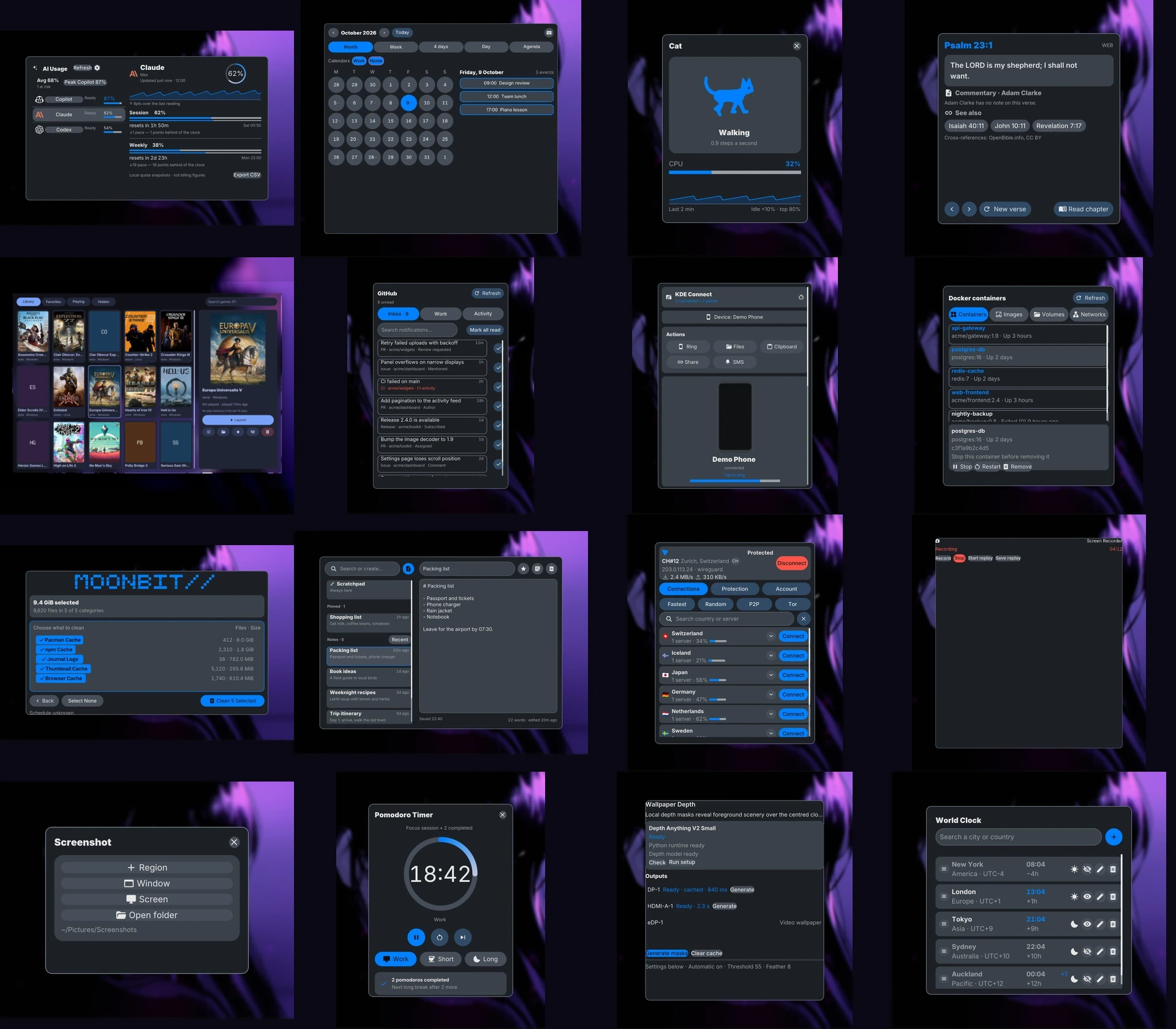
Install plugins
After setting up sysc-shell, choose extras from its plugin catalog. On Arch, you can also install the collection with yay -S sysc-plugins-git. Keep one installation source per plugin ID; duplicate catalog and packaged copies can prevent discovery. The installer configures the shell's built-in weather widget through its Weather page; that widget needs no weather plugin.
The installer skips plugin selection and points you to the shell's catalog.
Develop plugins
Authors can propose a plugin for the official source with a pull request to sysc-plugins. Maintainers decide whether to accept each proposal. The project does not promise a review time.
Browse the published catalog snapshot or author an independent source. The catalog schema keeps license metadata optional. A checksum confirms that downloaded content matches its catalog entry; it does not endorse the plugin. Host capabilities limit plugin API calls, but they do not sandbox a same-user executable.
The authoring pages cover the SDK, manifest, protocol, accessible views, tests, release process, and catalog submission.